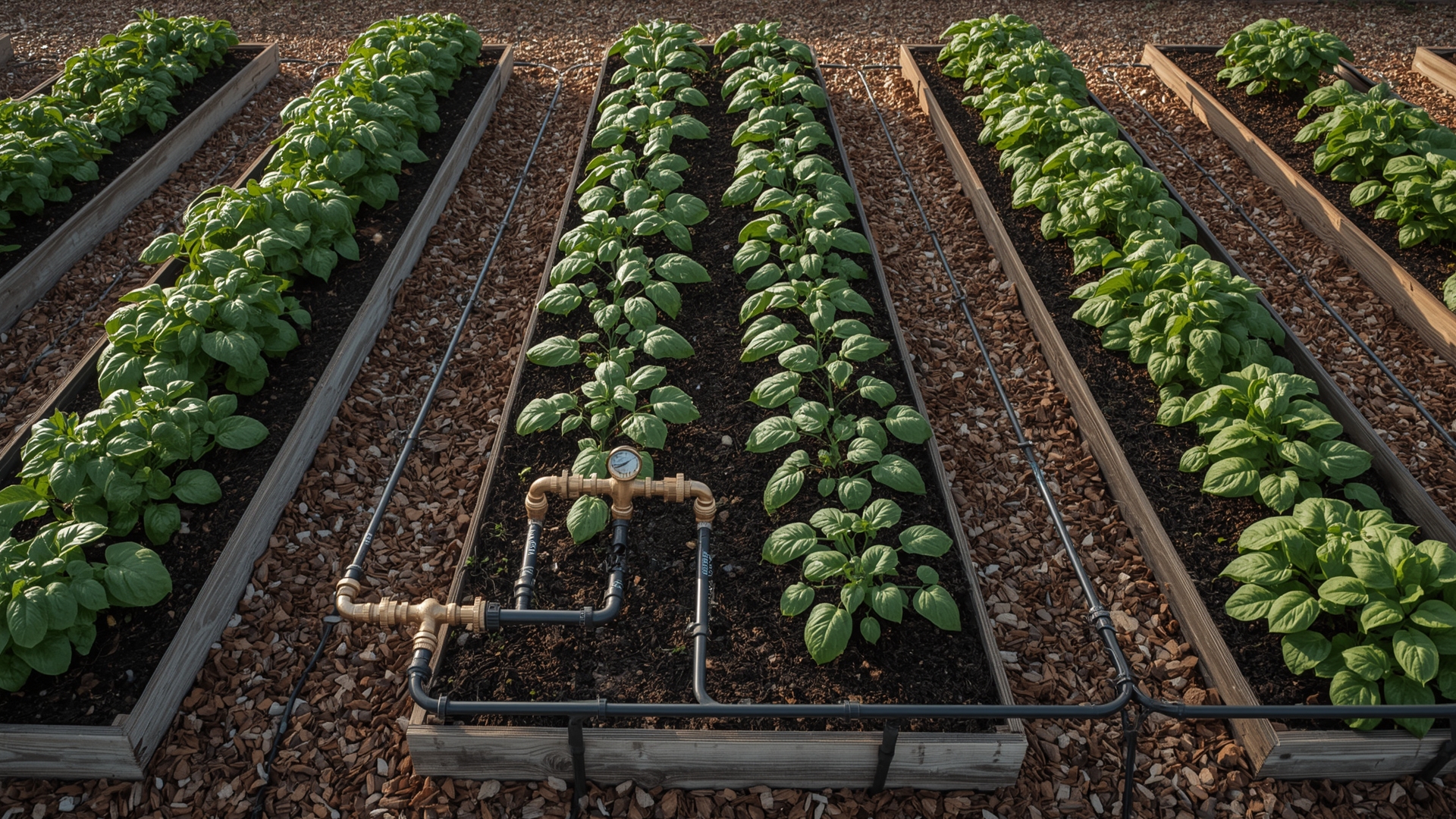
Most gardeners know they should rotate crops. Far fewer actually do it consistently. The reason isn’t laziness — it’s that crop rotation is genuinely hard to track across multiple beds, multiple years, and dozens of plant families. A vegetable garden bed rotation tracker solves this by giving you a reliable record of what grew where and when, so you can plan smarter each season.
This guide walks you through exactly how to build and use that tracking system — whether you prefer pen and paper or a digital spreadsheet.
Key Takeaways
- Track by plant family, not by vegetable name. Tomatoes and peppers belong to the same family (Solanaceae), so they count as the same crop for rotation purposes.
- A 3-to-4-year rotation cycle is the minimum needed to break most soil-borne disease and pest cycles.
- Your tracker needs four data points per bed: bed ID, plant family, year planted, and any soil treatments applied.
- A simple grid works. You don’t need software — a paper chart or basic spreadsheet is enough to manage rotation across 6 to 12 beds.
- Rotation and soil health go together. Legumes fix nitrogen, brassicas feed on it, and fruits deplete it. Tracking the sequence keeps your soil balanced.
- Gaps in your records are normal. Start tracking now, even if you can’t remember what was in each bed two years ago.
What Is a Vegetable Garden Bed Rotation Tracker?
Quick Answer: A vegetable garden bed rotation tracker is a record-keeping system — paper, digital, or printable — that logs which plant family grew in each bed each year. It helps you plan future plantings that avoid repeating the same plant family in the same spot too soon.
The tracker itself can be as simple as a hand-drawn grid on graph paper. Each column represents a garden bed. Each row represents a year. You fill in the plant family that occupied that bed that season.
Over time, that grid becomes a rotation map. It shows you exactly which beds are safe for brassicas this year, which ones are due for legumes, and which ones need a rest crop.
A printable or digital version of this tool makes the process much faster. You can update it at the start of each season, refer to it during planning, and store it year over year without losing data.
What Data Should Your Tracker Record?
Every entry in your tracker should include these four fields:
- Bed ID: A label like “Bed 1” or “North Raised Bed” so you can identify each growing space uniquely
- Plant family: The botanical family, not just the vegetable name (e.g., Solanaceae, not “tomatoes”)
- Season/Year: The calendar year and season if you grow spring and fall crops separately
- Notes: Any soil amendments added, disease problems observed, or cover crops grown between seasons
Why Does Crop Rotation Actually Matter for Home Gardens?
Quick Answer: Crop rotation prevents soil-borne diseases and pest buildup that happens when the same plant family grows in the same spot repeatedly. It also balances soil nutrients by alternating heavy feeders, nitrogen fixers, and light feeders across beds.
When you grow the same plant family in the same bed year after year, you create ideal conditions for the pathogens and pests that target that family. Fusarium wilt, clubroot, and root-knot nematodes are all examples of soil-borne problems that get worse with repetition.
Rotating plant families breaks that cycle. The disease or pest loses its host. Populations decline. Soil recovers.
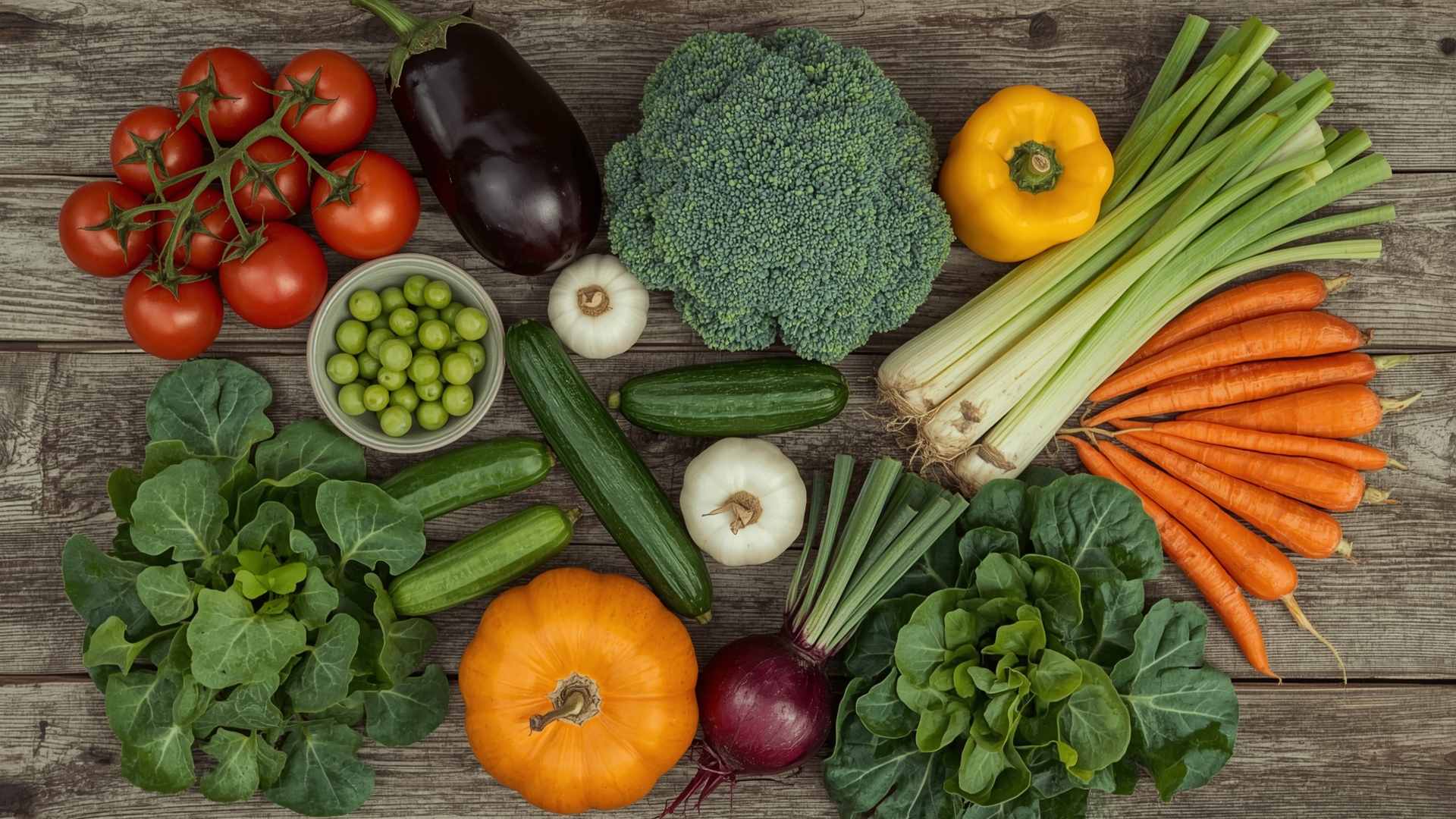
Nutrient depletion works the same way. Brassicas (cabbage, broccoli, kale) are heavy nitrogen users. Legumes (beans, peas) actually add nitrogen to the soil through a process called nitrogen fixation. Rotating these two families keeps your beds more balanced without relying entirely on fertilizer.
What Are the Main Vegetable Plant Families to Track?
You don’t need to memorize Latin. You just need to know which vegetables share a family — because they share diseases and nutrient needs too.
| Plant Family | Common Name | Vegetables Included | Rotation Role |
|---|---|---|---|
| Solanaceae | Nightshade family | Tomatoes, peppers, eggplant, potatoes | Heavy feeder |
| Brassicaceae | Cabbage family | Broccoli, cabbage, kale, radishes, turnips | Heavy nitrogen user |
| Fabaceae | Legume family | Beans, peas, lentils | Nitrogen fixer |
| Cucurbitaceae | Cucurbit family | Cucumbers, zucchini, squash, melons, pumpkins | Moderate feeder |
| Apiaceae | Carrot family | Carrots, parsnips, celery, parsley, dill | Light feeder |
| Alliaceae | Allium family | Onions, garlic, leeks, chives | Pest deterrent |
| Chenopodiaceae | Beet family | Beets, spinach, Swiss chard | Moderate feeder |
How Do You Set Up a Vegetable Garden Bed Rotation Tracker from Scratch?
Quick Answer: Start by labeling each bed, listing the plant families you grow, and filling in what you remember from the past two to three years. Use a simple grid with beds as columns and years as rows. Update it every season before you plant.
Step 1 — Label Every Bed
Give each bed a permanent ID. Numbers work fine (Bed 1, Bed 2). So do directional names (North Bed, East Bed). Write these IDs on a physical stake or note them in your planner. Consistency matters more than the naming system you choose.
Step 2 — Reconstruct Your History
Think back as far as you can. What did you grow where? Even partial records are useful. If you only remember the last two years, start there. A gap in your tracker is better than leaving the tracker blank entirely.
Check old seed packets, receipts, or photos on your phone. Many gardeners are surprised how much they can piece together from photos alone.
Step 3 — Build Your Tracking Grid
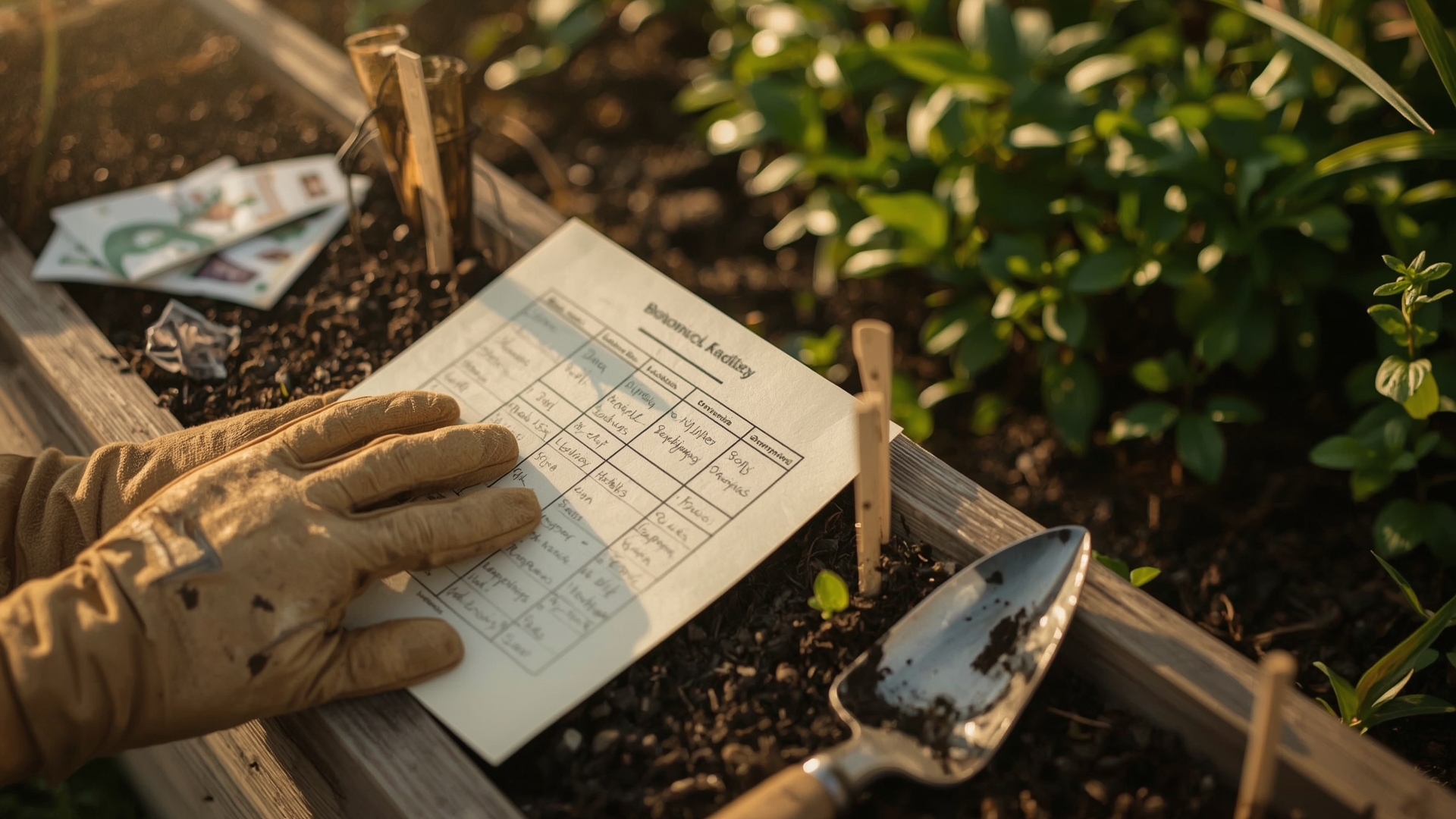
Create a simple grid. Beds go across the top as column headers. Years go down the left side as row headers. Each cell gets the plant family abbreviation for that bed that year.
A printable or digital rotation tracker template makes this much easier. You fill in the cells instead of building the grid yourself, which saves time at the start of each season.
Step 4 — Plan Next Season Using the Grid
Look at each bed’s column. Find the last plant family that grew there. Then follow your rotation sequence to determine what goes in next. A standard 4-family rotation moves from nightshades → brassicas → legumes → cucurbits, then repeats.
Step 5 — Update at the End of Each Season
Before winter hits, update your tracker. Record what you actually grew, not just what you planned. Note any disease problems, yield surprises, or soil treatments. This record becomes your planning foundation for the following year.
What Is the Best Rotation Sequence for a 4-Bed Garden?
Quick Answer: The most common 4-bed rotation moves nightshades, brassicas, legumes, and cucurbits through four beds in a fixed annual sequence. Each family moves one bed forward per year so no family returns to the same bed for four years.
| Year | Bed 1 | Bed 2 | Bed 3 | Bed 4 |
|---|---|---|---|---|
| Year 1 | Nightshades | Brassicas | Legumes | Cucurbits |
| Year 2 | Cucurbits | Nightshades | Brassicas | Legumes |
| Year 3 | Legumes | Cucurbits | Nightshades | Brassicas |
| Year 4 | Brassicas | Legumes | Cucurbits | Nightshades |
This sequence works because it separates the two most disease-prone families — nightshades and brassicas — by two full years in any given bed. It also places legumes between them, giving your soil a nitrogen boost before the heavy-feeding brassicas arrive.
How Do You Adapt Rotation for More Than 4 Beds?
If you have 6 or 8 beds, you have more flexibility. You can assign two beds to a single family and still maintain a clean rotation. For example, in a 6-bed garden, assign beds 1 and 2 to nightshades, beds 3 and 4 to brassicas, and beds 5 and 6 to legumes and cucurbits split across alternate years.
Your tracker handles this by tracking each bed individually rather than by group. That way, you can see at a glance whether any bed has hosted the same family twice in three years.
What If You Only Have 2 or 3 Beds?
Rotation is harder with fewer beds, but still worth doing. With 3 beds, use a 3-family rotation: nightshades, brassicas, and legumes. Skip cucurbits or fold them into a mixed bed. With 2 beds, alternate nightshades and brassicas at minimum, and add legumes as a fall crop after the main season ends.
What Soil-Borne Diseases Does Rotation Actually Prevent?
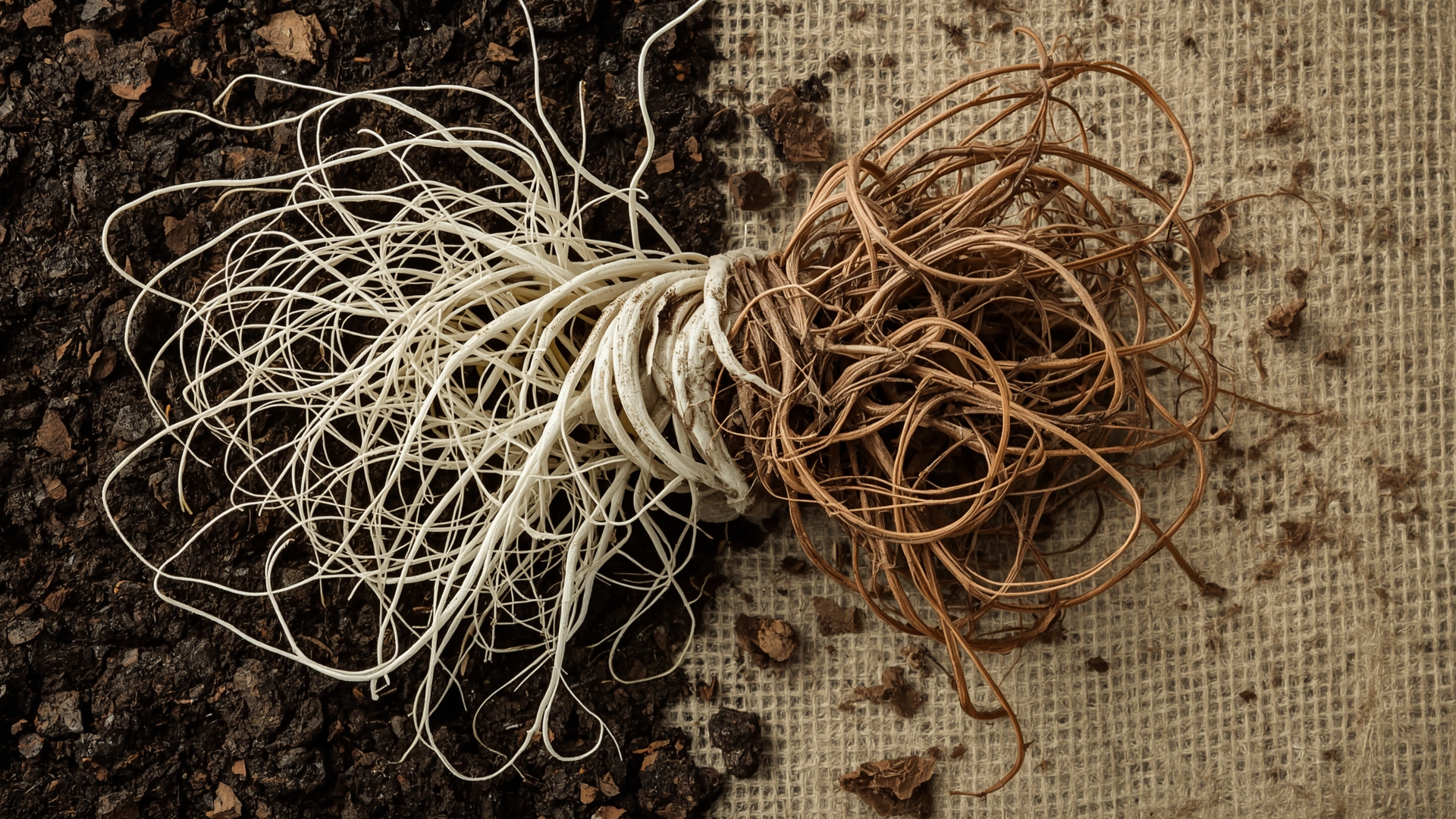
Quick Answer: Rotation reduces the risk of diseases like Fusarium wilt, Verticillium wilt, clubroot, and early blight by removing the host plant family from infected soil for three to four years. Most pathogens decline significantly without a compatible host.
| Disease | Affected Family | Pathogen Type | Minimum Rotation Break | Persistence in Soil |
|---|---|---|---|---|
| Fusarium wilt | Solanaceae, Cucurbitaceae | Fungal | 4 years | Up to 10 years in severe cases |
| Clubroot | Brassicaceae | Slime mold | 5+ years | Up to 20 years as resting spores |
| Early blight | Solanaceae | Fungal | 3 years | Survives in plant debris |
| Verticillium wilt | Solanaceae, Brassicaceae | Fungal | 4 years | Indefinitely as microsclerotia |
| Root-knot nematodes | Multiple families | Nematode | 3 years with resistant crops | 3 to 5 years without host |
Clubroot deserves special attention. Once it’s in your soil, it’s extremely difficult to remove. A strict brassica rotation — meaning no brassica plants in an affected bed for at least five years — is your best defense.
How Do You Track Rotation Across Spring and Fall Seasons?
Quick Answer: Record each growing season separately in your tracker using labels like “Spring 2025” and “Fall 2025.” This matters because cool-season crops like brassicas often follow warm-season nightshades in the same bed during one calendar year.
Many gardeners grow two full seasons per year: a warm-season crop planted in spring and a cool-season crop planted in late summer for fall harvest. If you plant tomatoes in May and then follow with broccoli in August, your tracker needs to note both entries for that bed that year.
This double-cropping pattern can actually work in your favor for rotation. If nightshades occupy a bed in spring, you can plant legumes there in fall — a completely different family that improves soil health before winter.
How Do Cover Crops Fit Into a Rotation Tracker?
Cover crops count as part of your rotation record. A winter rye cover crop is a grass (Poaceae), so it doesn’t compete with most vegetable families. A crimson clover cover crop is a legume, which means it fixes nitrogen just like beans or peas would.
Record your cover crops in your tracker alongside your vegetables. This gives you a complete picture of what has occupied each bed’s soil biology over the years.
What’s the Difference Between a Paper Tracker and a Digital Tracker?
Quick Answer: Paper trackers are faster to update and easier to keep in the garden. Digital trackers — usually spreadsheets or dedicated apps — are easier to search, copy across years, and share. Both work. The best one is the one you’ll actually use consistently.
| Feature | Paper / Printable Tracker | Spreadsheet (Google Sheets / Excel) | Dedicated Garden App |
|---|---|---|---|
| Setup time | 5 minutes with a template | 15 to 30 minutes | 30 to 60 minutes |
| Use in garden | Easy, no device needed | Requires phone or tablet | Requires phone or tablet |
| Year-over-year copying | Manual (redraw or photocopy) | Duplicate sheet in seconds | Automatic in most apps |
| Search/filter by family | Manual scanning | Sort/filter function | Built-in search |
| Risk of data loss | Water damage, fading | Low with cloud backup | Low with account sync |
| Cost | Free to print | Free (Google Sheets) | Free to $4.99/month |
What Should a Printable Rotation Tracker Include?
A good printable tracker includes a blank grid with bed labels across the top and year rows down the left side. It should also include a reference section listing the main plant families and which vegetables belong to each one. That reference saves you from having to look up whether radishes are brassicas every single spring (they are).
A notes column beside each row helps you record disease problems, amendments, or unusual weather that affected that season’s results.
How Do You Know When Your Rotation Is Working?
Quick Answer: Signs that rotation is working include fewer disease symptoms on leaves and roots, reduced pest pressure from soil-dwelling insects, and improved yield stability across beds. Improvement typically becomes noticeable after two to three full rotation cycles.
Don’t expect instant results. Soil-borne disease and pest populations decline gradually. The first full rotation cycle reduces pressure. The second and third cycles show clearer results.
Track your yield and disease observations in the notes field of your tracker. Over time, you’ll see patterns. Beds with a clean rotation history will consistently outperform beds where rotation slipped.
What Signs Suggest a Rotation Problem?
- Stunted growth in the same bed every year despite adequate watering and fertilizing — this suggests soil-borne disease buildup
- Yellowing or wilting that starts from roots up — a classic symptom of Fusarium or Verticillium wilt in nightshade beds
- Distorted or swollen roots on brassicas — a sign of clubroot, which becomes much worse without strict rotation
- Heavy soil pest populations like wireworms or grubs — these often build up when the same root vegetables occupy a bed repeatedly
What Common Mistakes Undermine a Crop Rotation Plan?
Quick Answer: The most common mistakes are rotating by vegetable name instead of plant family, skipping the tracker and relying on memory, ignoring small beds or containers in the rotation plan, and treating perennial vegetables as part of the rotation.
Mistake 1 — Rotating by Vegetable Name Instead of Family
Switching from tomatoes to peppers feels like rotation. It isn’t. Both are Solanaceae. They share the same diseases and feed on the same soil nutrients. Your tracker should always record the plant family, never just the vegetable name.
Mistake 2 — Relying on Memory
Most gardeners can’t accurately recall what grew in each bed three years ago. Memory is unreliable for this kind of record-keeping. A tracker eliminates guessing entirely.
Mistake 3 — Leaving Perennial Vegetables Out of the Plan
Asparagus, rhubarb, and artichokes stay in the same spot permanently. That’s fine — but you need to account for them in your tracker as fixed beds that don’t rotate. If a perennial bed develops disease pressure, your options are more limited, which is worth knowing in advance.
Mistake 4 — Ignoring Containers and Grow Bags
Containers seem separate from in-ground beds, but they follow the same rules. If you grow tomatoes in the same pot with the same soil mix three years in a row, you’re inviting the same disease buildup. Refresh container soil annually and track container plantings alongside your beds.
How Should You Handle Garlic and Onions in a Rotation Tracker?
Quick Answer: Garlic and onions (Alliaceae family) work well as a transition crop between families because they deter many soil pests. Plant them after nightshades and before legumes, or use them to fill short gaps between main crops. Track them as their own family group.
Alliums are light feeders and mild pest deterrents. They won’t fix nitrogen like legumes, but they don’t deplete it aggressively either. Garlic is also a fall-planted crop in most climates, so it naturally fits into the gap between summer and spring plantings without disrupting your main rotation sequence.
Can You Rotate Crops in Small Raised Beds Under 4×8 Feet?
Quick Answer: Yes, but you’ll need to simplify your rotation to two or three plant families and accept some compromise. Small beds work best in a group, where each bed handles a single family and the group rotates together as a unit.
A single 4×4 bed can only support one plant family per season anyway. If you have three or four of these small beds, you can still run a full rotation across the group. Your tracker labels each small bed individually and tracks the family in each one per year.
The key for small bed owners is treating the beds as a system, not as independent growing spaces.
Frequently Asked Questions
Do I need to track every vegetable I grow, or just the main crops?
Track every plant family, including herbs and flowers mixed into vegetable beds. Herbs like basil (Lamiaceae) and dill (Apiaceae) belong to plant families too. Knowing what occupied every inch of your bed gives you a cleaner rotation record and more accurate disease prevention.
What if I can’t remember what grew in a bed two years ago?
Start where your memory is reliable and fill in gaps with “unknown.” An incomplete tracker is still far more useful than no tracker at all. Photos on your phone, old seed packets, and receipts can help you reconstruct more history than you expect.
Can I rotate crops in containers and raised beds using the same tracker?
Yes. Add container labels to your tracker alongside bed labels. Treat each container as its own growing unit. Refresh potting mix in containers annually because soil-borne pathogens can persist in old potting mix just as they do in garden soil.
How does green manure affect my rotation plan?
Green manure — plants grown and turned into the soil before they mature — counts as a crop in your tracker. Legume green manures like clover or field peas add nitrogen. Grass green manures like oats add organic matter. Record the plant family and note that it was turned under rather than harvested.
Should I rotate herbs that are grown permanently in one spot?
Perennial herbs like thyme, oregano, and mint stay in one place by nature. They don’t need to rotate. Annual herbs like basil, dill, and cilantro do benefit from rotation because they can host disease or attract specific pests that build up over time in the same soil.
How do I track rotation if I’m expanding my garden with new beds each year?
Treat new beds as blank entries in your tracker with “Year 1” and the first plant family you choose. Since new beds don’t have a disease history, you have full flexibility in what you plant first. Most gardeners start new beds with legumes or cucurbits to build soil organic matter before adding heavy feeders like nightshades.